CONFIRM YOUR PARTICIPATION
INSTRUCTIONS - Buying a ticket from EräKatri's online store
Buy a ticket for the event you want from the green bar at the top of the page.
Click on the plus (+) sign or the barb (v) for the number of tickets you need.
If there are other options available next to the ticket - consider and click on the options you want.
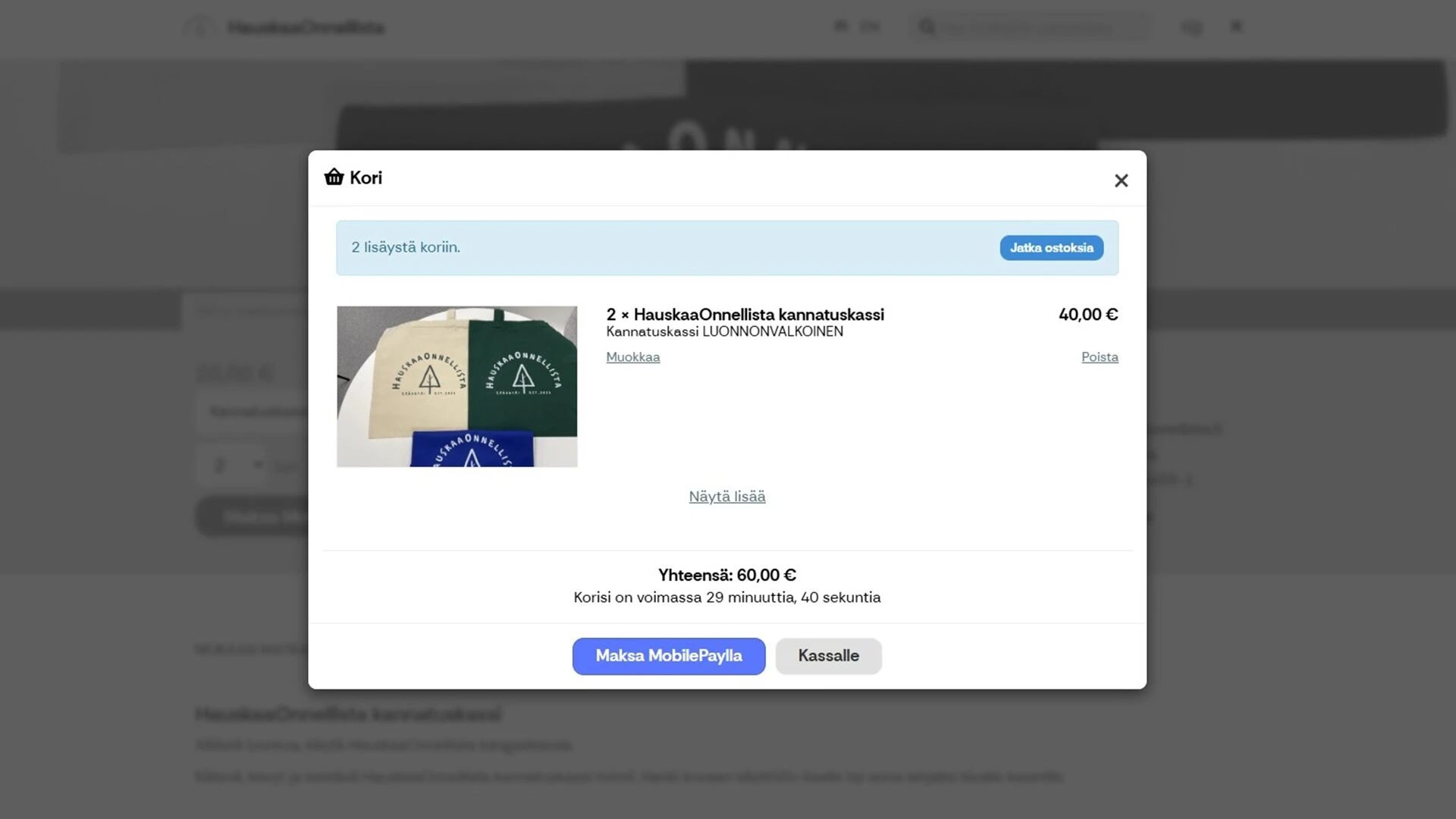
After you have selected the number of tickets and other necessary options, the buttons below will be activated, i.e. "Pay with MobilePay" and "Add to cart".
Click on the green "Add to cart" if you want to pay with online banking, debit card or the blue "Pay with MobilePay"
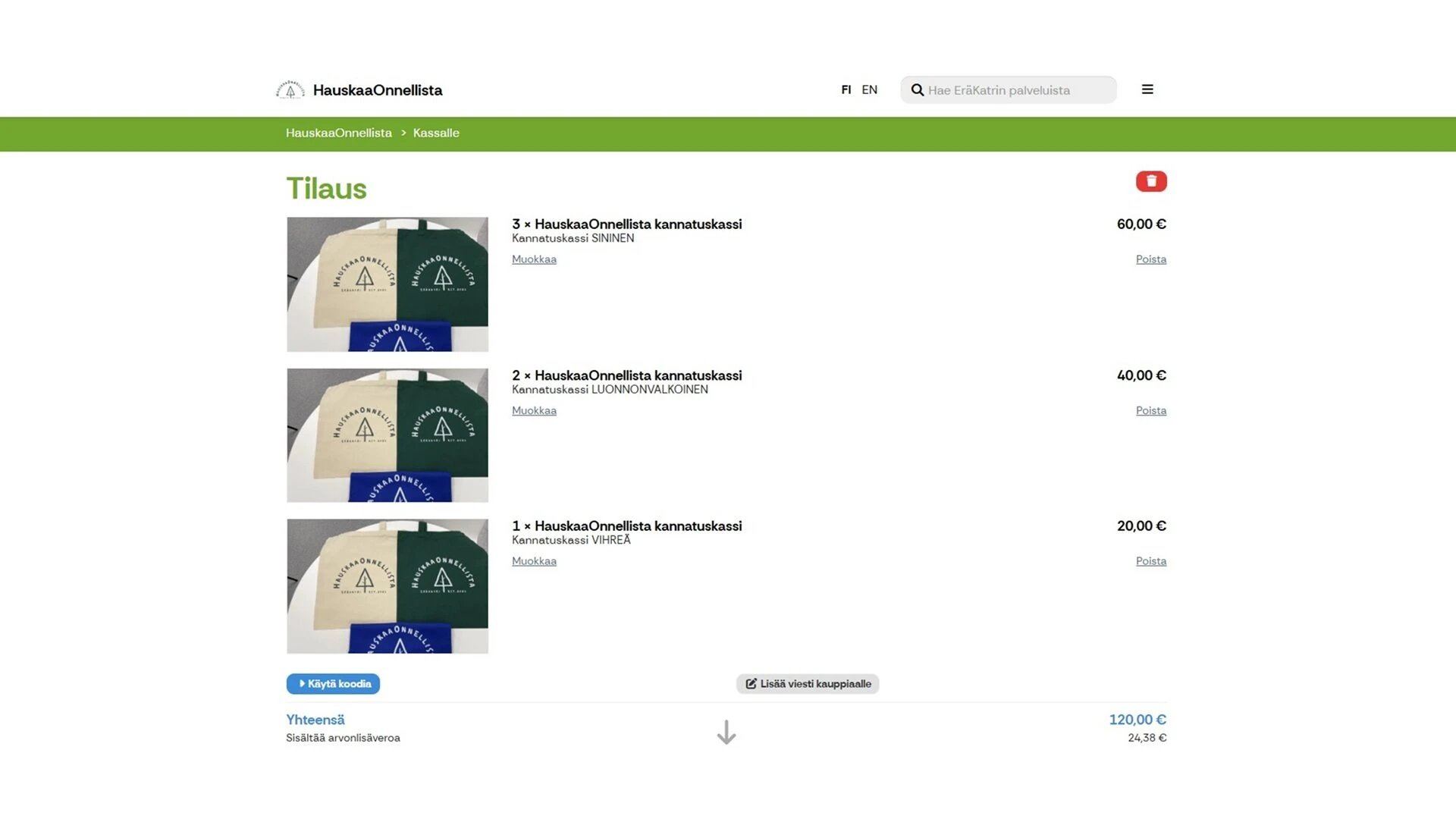
Check the number of tickets and price on the screen.
Remove any extra tickets by clicking "Delete".
Click the gray "Checkout" button.
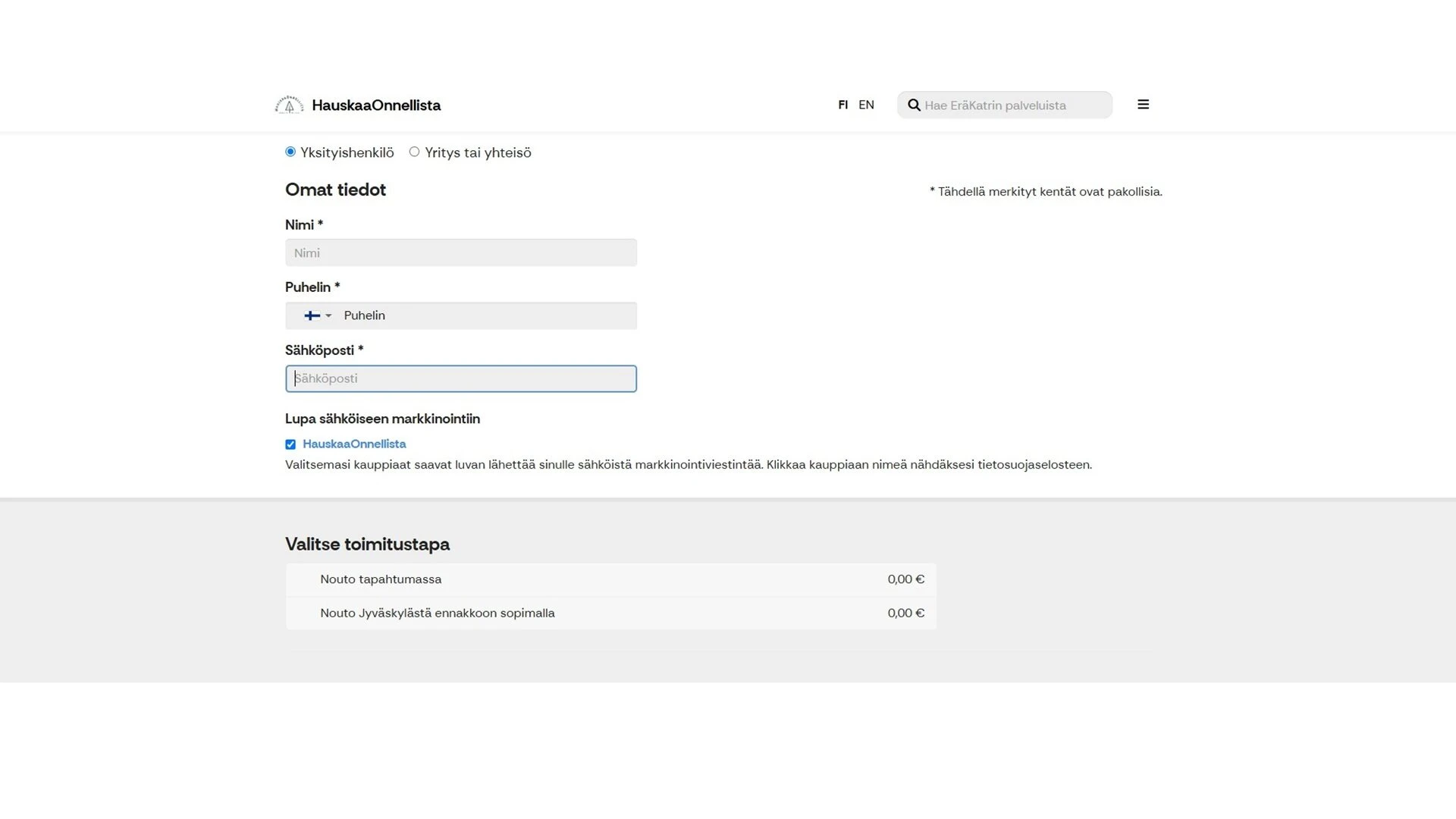
Click the yellow "Enter required information" button, if available. Fill in additional information. Fields marked with an asterisk * are required.
Fill in Name, phone, email. Your ticket will be sent to this email after payment.
Click the square under "Allow electronic marketing" if you want to receive EräKatri's posts by email.
Choose the payment method MobilePay or Visma Pay = online banking, bank card.
Click the square next to "I accept the current terms and conditions of subscription and cancellation." and the green "Subscribe and proceed to payment" button will be activated.
After completing the payment, you will receive a separate receipt for payment, a QR coded ticket, and a Thank you message from the store.
When you arrive at the event, show your ticket on your phone screen or a printed ticket.
Buy a ticket as a gift
You can also buy a ticket for another person to attend the event. The QR code on the ticket is unique and you can send the QR code as a screenshot or photo.